Account
Avatars and levels
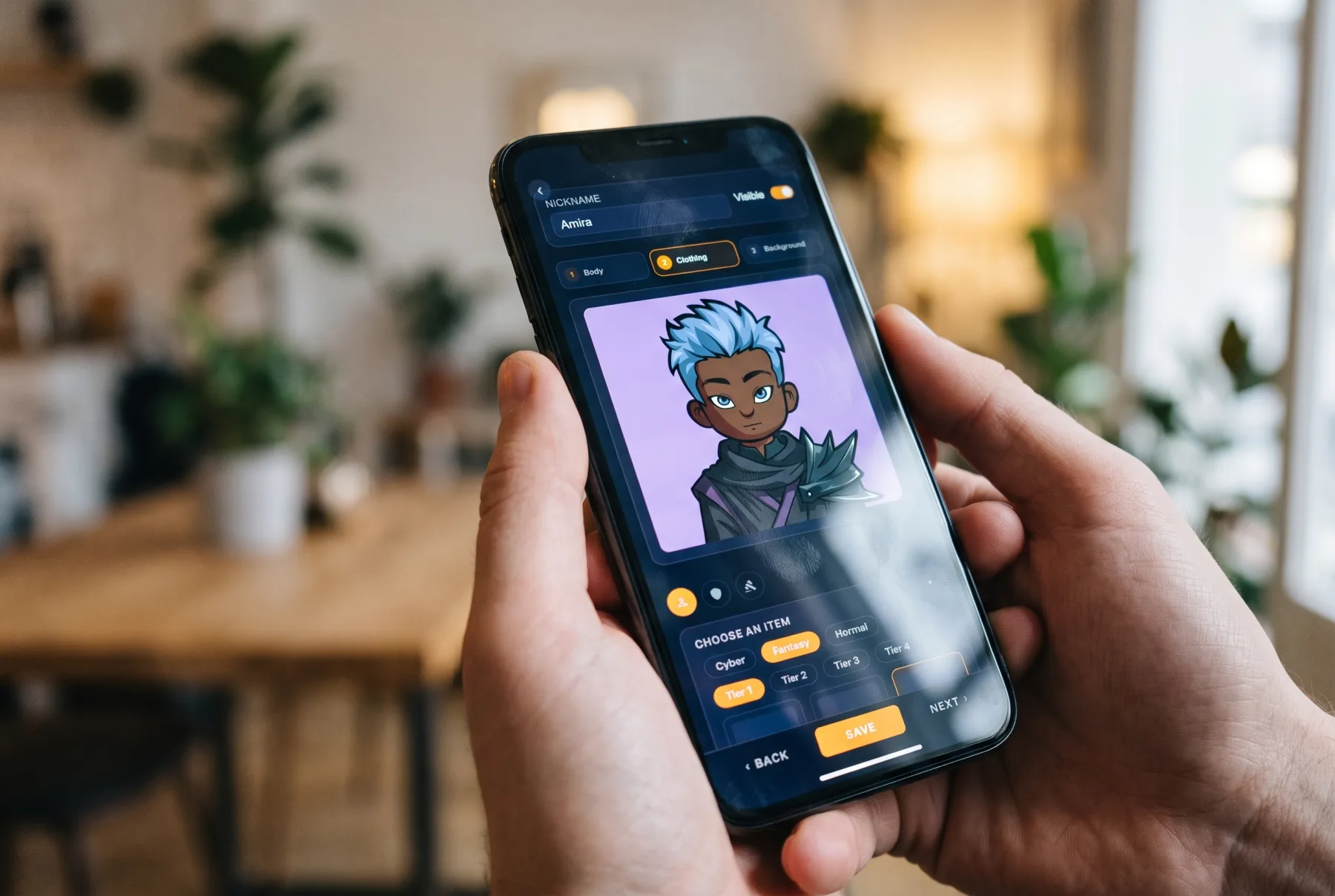
Every player has an avatar, built from ready made parts rather than an uploaded photo. Open the avatar builder from the player profile.
- Choose a part for each category, such as body, hair, clothing and background.
- Adjust hue, saturation and brightness per category to make the avatar your own.
- Higher avatar tiers unlock as the player levels up. The gamemaster decides how tiers are calculated in Settings.
- Avatar tier achievements are usage based: save an avatar that wears an item from a tier to earn that badge.


The avatar appears on the player profile, the scoreboard and the game's player cards. Changing it does not change XP or level.