Minigames
Build a pack
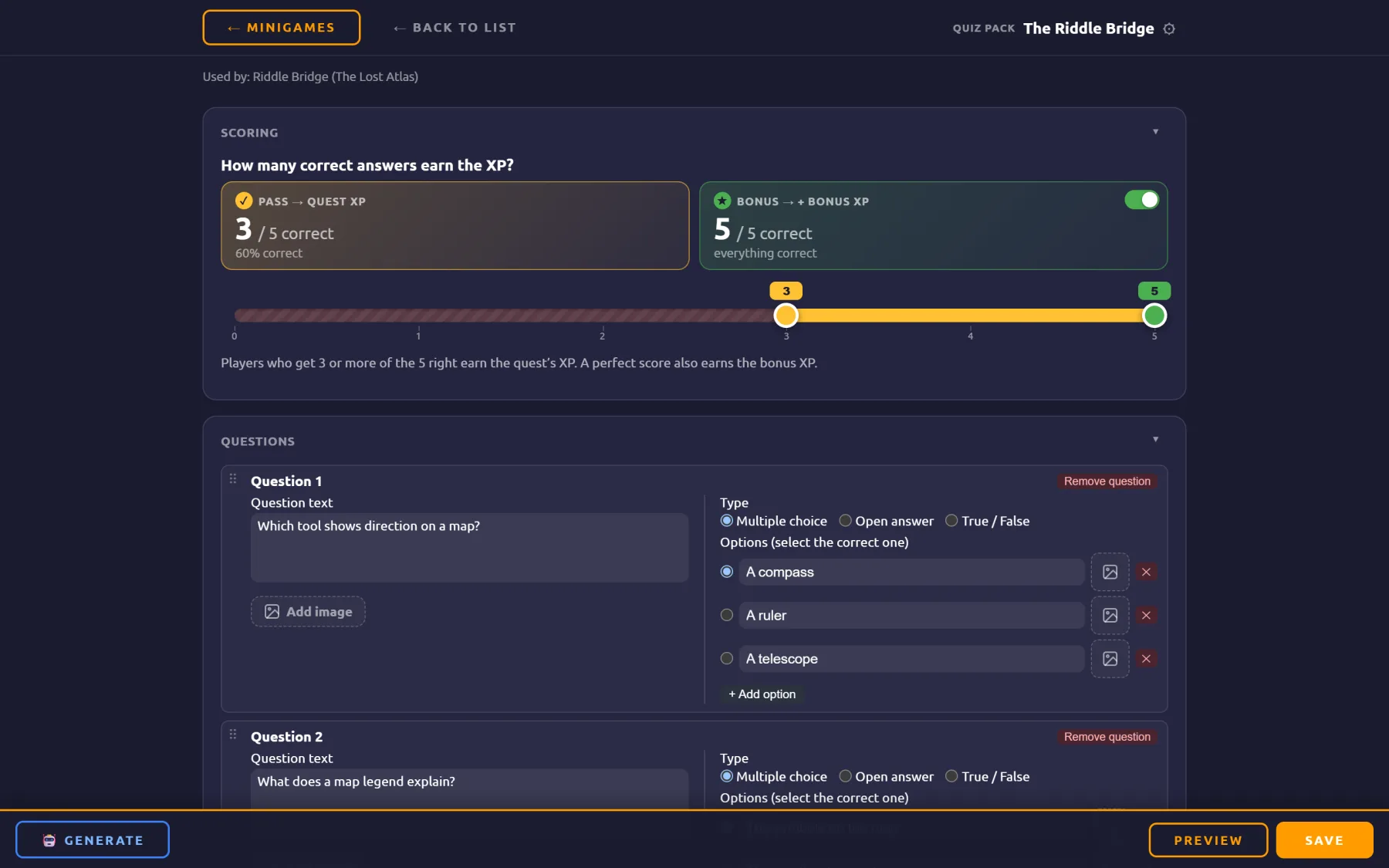
Most minigames use a pack: the questions, words, cards or puzzles that make up the game. Each minigame has its own editor, and the editor is the same whether you open it from a quest or from the minigames catalog.
- Add items one by one, or use the AI assist below to draft them quickly.
- Quiz, Maze Master, Reveal and Flash Cards can reuse questions from other packs used in the same game.
- Upload a JSON file to import a whole pack, or download one as a backup.
- Set the pack title, secret code, group submit and result visibility in the pack settings. Pass and bonus are set with the score slider on the editor page itself.
Let AI help write the pack
Every pack editor has a Generate with AI button. XP Arena does not call an AI itself: it turns your subject, level and question type into a ready-made prompt. Copy that prompt into ChatGPT, Claude, Gemini or another chatbot, then paste the answer back into the editor. The questions, words or cards are added to the pack, and you can edit them before saving.

Save the pack before linking it to a quest. Use Copy, Download or Upload JSON in the pack settings to reuse or back up a pack. To share a pack with players, use Quickplay.