Minigames
Quickplay
Quickplay is the fastest way to put minigames in front of your class. You pick one or more minigames, share one PIN, and your students play right away; they do not need an account.
The difference with simply sending a minigame link: in a Quickplay every student joins with a name, so you see who played, their scores and their progress in one place. A loose link gives you nothing back.
Getting started
- Open the Quickplay tab on your dashboard and choose Create quickplay. You can also use Share in any pack editor.
- Pick a minigame and pack, or create a new pack.
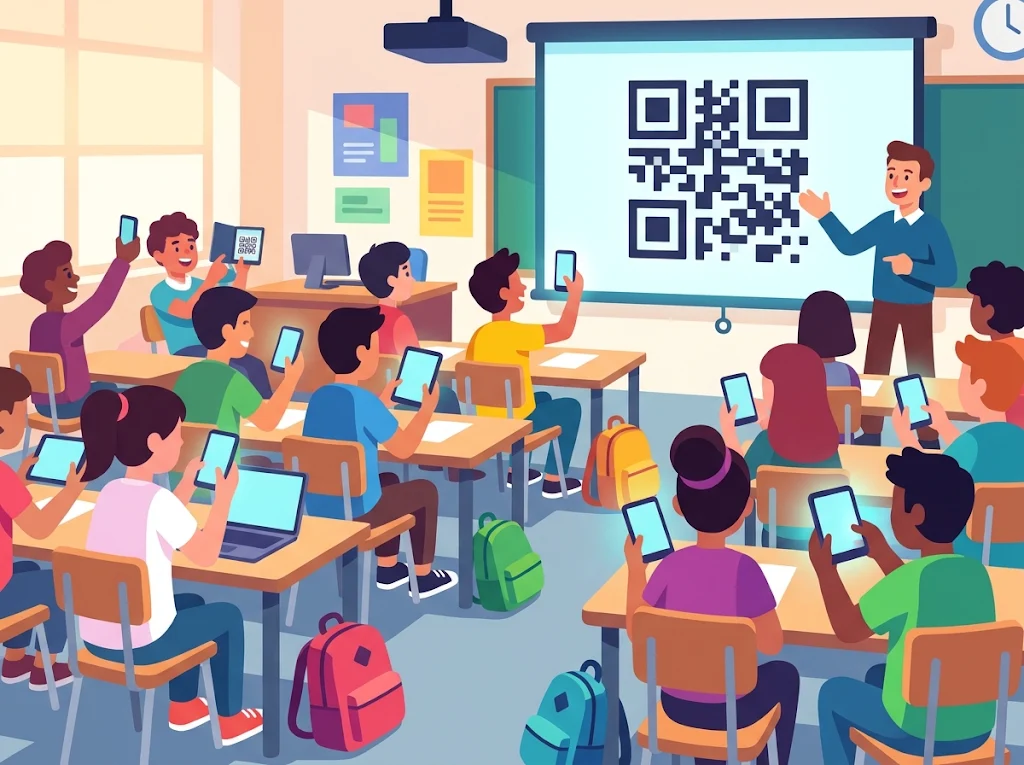
- Share the PIN, link or QR code. Students enter the PIN and a nickname.
- They land directly in the minigame. You follow results and scores as they come in.
Every minigame in a Quickplay has an Open/Draft switch on its tile. A draft minigame is greyed out for you only; students do not see it and cannot earn XP there. Use it to close a Live Poll and open an Interview for absent students.
Event minigames such as Live Poll, Boss Battle and Focus also run in a Quickplay: you present them on the big screen. To run them inside a normal game, see Live events.
Use Quickplay for a warm-up, an exit ticket, a quick test or a one-off exercise. Want a longer route with levels and a story? Create a game or a Questlist instead.