Build your game
Build a complete game with AI
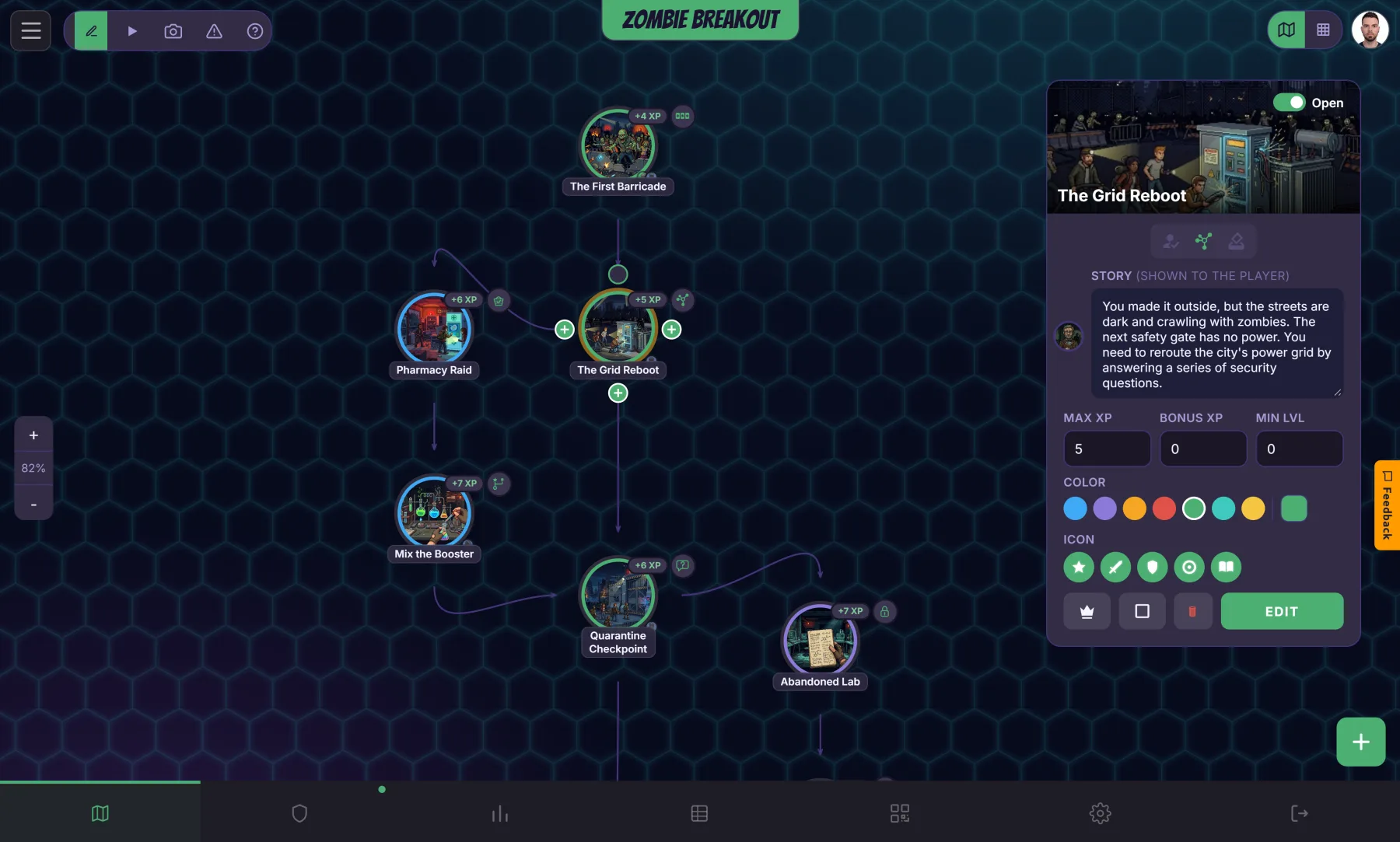
A game file describes a complete quest map game: the game itself, the quest givers, the quests, the arrows and gates, the finale, and the content of the minigames.
Where to find it
- On Create game, choose Complete game with AI.
- On an existing game, open Settings and use the Game file block to add quests or download the current game.
Describe, prompt, answer
- Describe: enter a learning goal, language, target audience, how long the game should take and how many quests should use a minigame. The AI picks the minigames that fit each quest.
- Prompt: copy the generated prompt into ChatGPT, Claude, Gemini or another chatbot.
- Answer: paste the chatbot answer back, click Check, review the quests and warnings, then import.
For a short game, the prompt asks for full minigame content. For a longer game it asks for one-line briefs instead. After importing a brief game, Settings shows a Fill with AI button. It fills the empty minigames in batches of up to four packs.
Check the preview before importing. Red errors block the import; yellow warnings tell you what was adjusted, for example a skipped broken question or a pack that keeps its default content. A game can contain at most 60 quests, 10 quest givers and 300 items per pack, and a game file (.json) can be at most 2 MB.