Build your game
Game settings
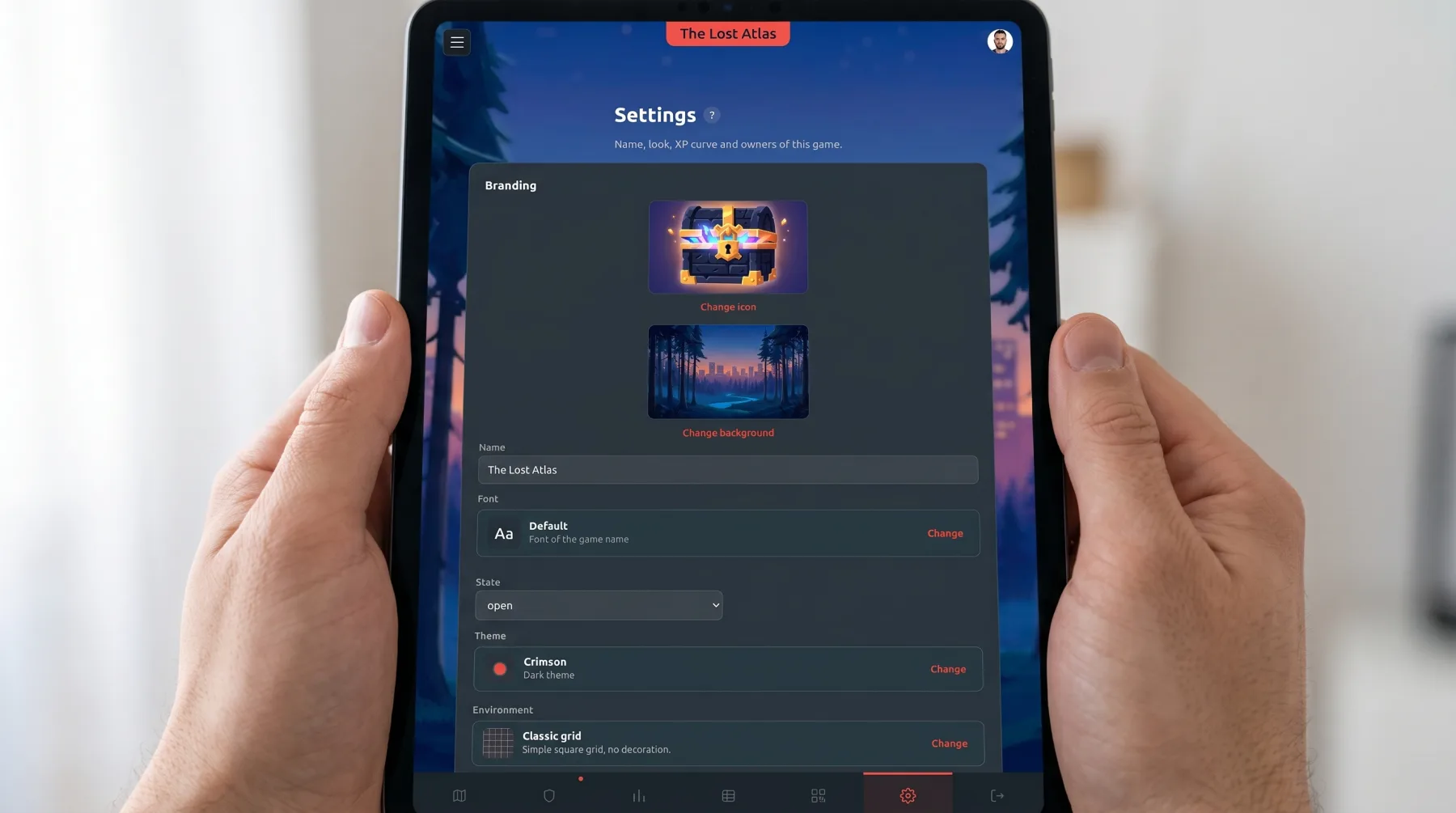
The Settings page controls everything around the game itself.
- Branding: game name, picture, background, title font and colour theme.
- XP curve: how much XP each level needs and the maximum level.
- Owners: add co-owners and choose how often they receive an activity email.
- Characters: add or edit quest givers.
- Quest map structure: change the planning aid.
- Avatar tiers: decide how avatar tiers unlock.
A little room above the maximum. The level curve is tuned so players can reach one level above the maximum you set: a game with a maximum of 10 tops out at level 11. That is deliberate, not a rounding error. Live events are hard to plan in advance, so you can run more or fewer of them during the game and there is still something to work towards. It is one extra level, not unlimited: after that the level stays the same. There is nothing to configure, it follows from the curve.
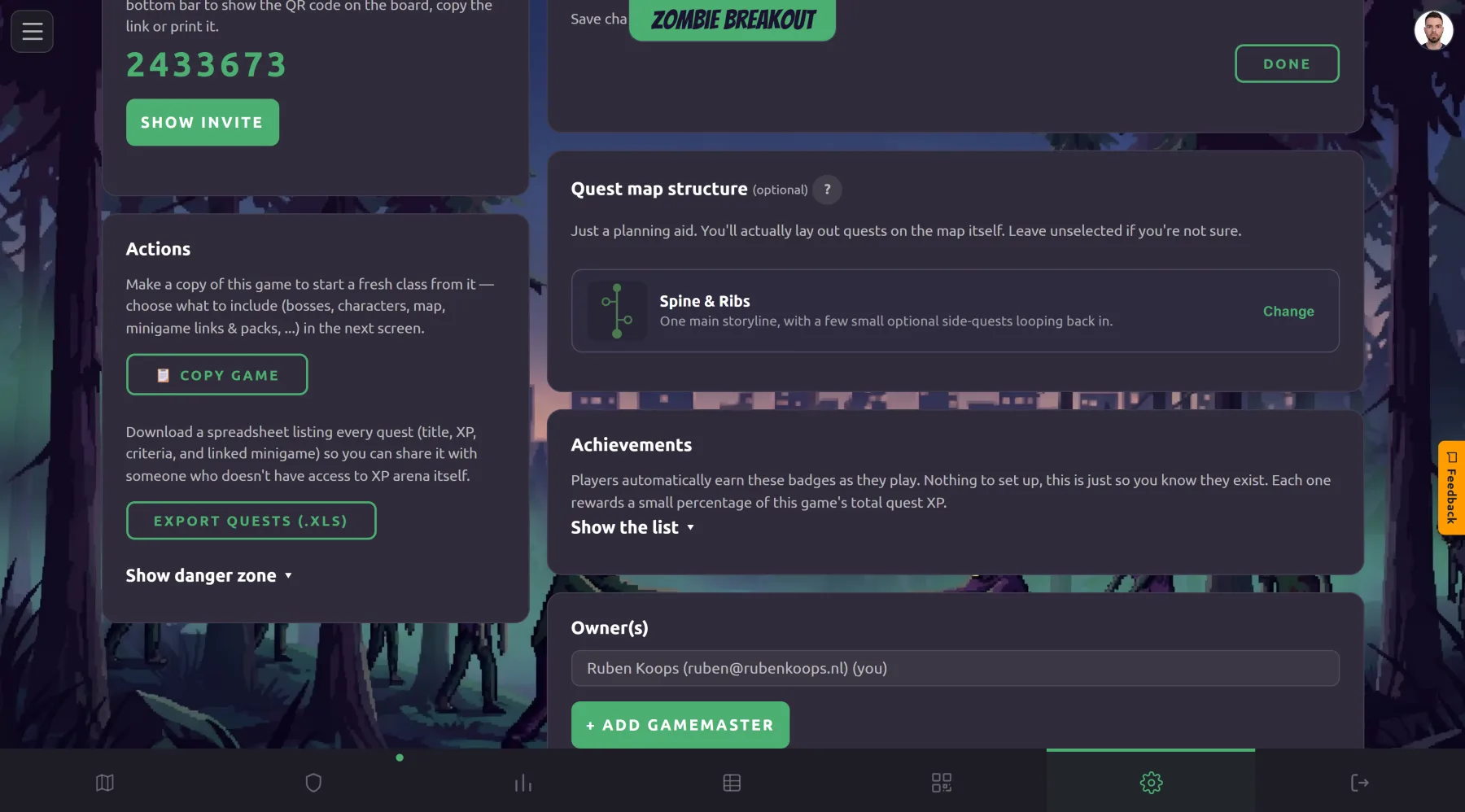
Most changes are saved with the Save button at the bottom of the page. Some actions ask for confirmation first and cannot be undone.