Start here
Create your first game
A game turns a unit or a whole term into an adventure. Your class becomes part of a story: a quest giver hands out quests, students explore a quest map, earn XP, level up and work towards a finale. It is the richest way to use XP Arena and works best when you want to keep students motivated over several weeks.
Why teachers choose a game
- Story and characters give your lessons a context students want to follow. You write the story, characters tell it.
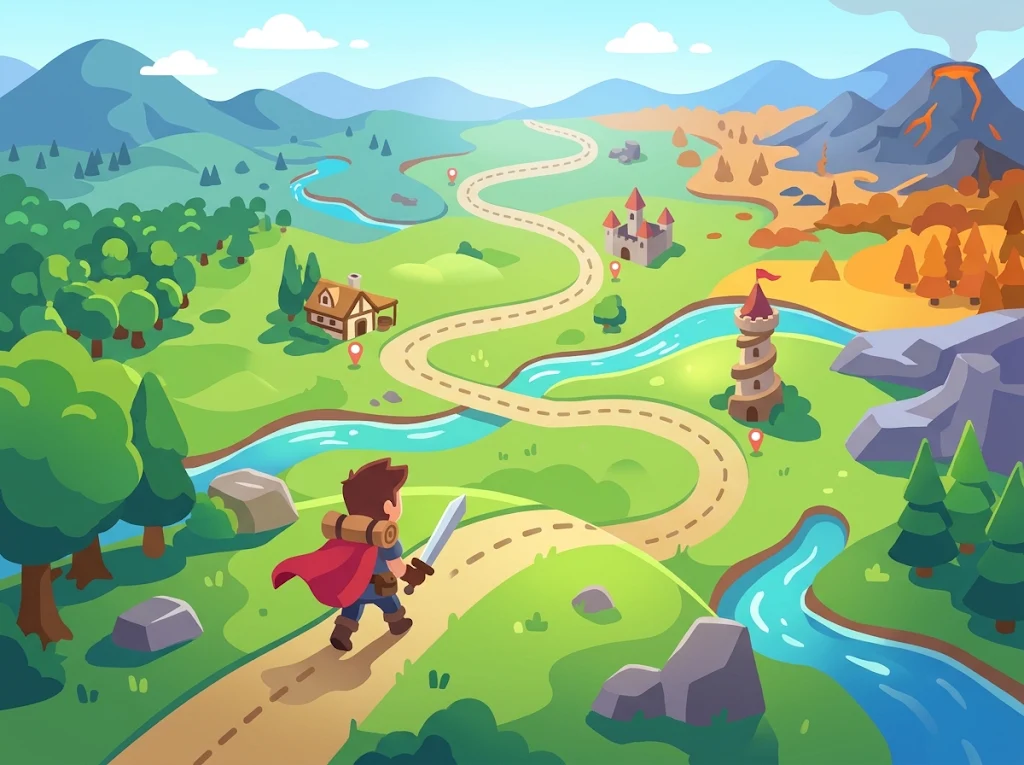
- A quest map lets students choose their own route, while gates and arrows keep the order you need.
- Differentiation: bonus XP and side quests challenge fast students, core quests keep everyone on track.
- Overview for you: the XP table, leaderboard and insights show who is where.
Creating your game
The wizard takes four short steps. You can change almost everything later.
- Basics: pick a name of up to 18 characters, choose the content language (used by every AI writing tool in the game) and pick an icon theme or upload your own image.
- Story: write a one-line learning goal, the story your students are part of and the concrete in-game goal.
- Setup: set the maximum level. XP Arena estimates how many quests that means and shows the XP curve. A quest map structure is optional and is only a planning aid.
- Quest giver: choose a preset character or upload your own picture. This character hands out quests and speaks to your students.
Short on time? Use Complete game with AI to draft the story and quests for you. The XP curve, branding and co-owners can be fine-tuned later on the Settings page. Want something calmer or quicker? See Game, Questlist or Quickplay?