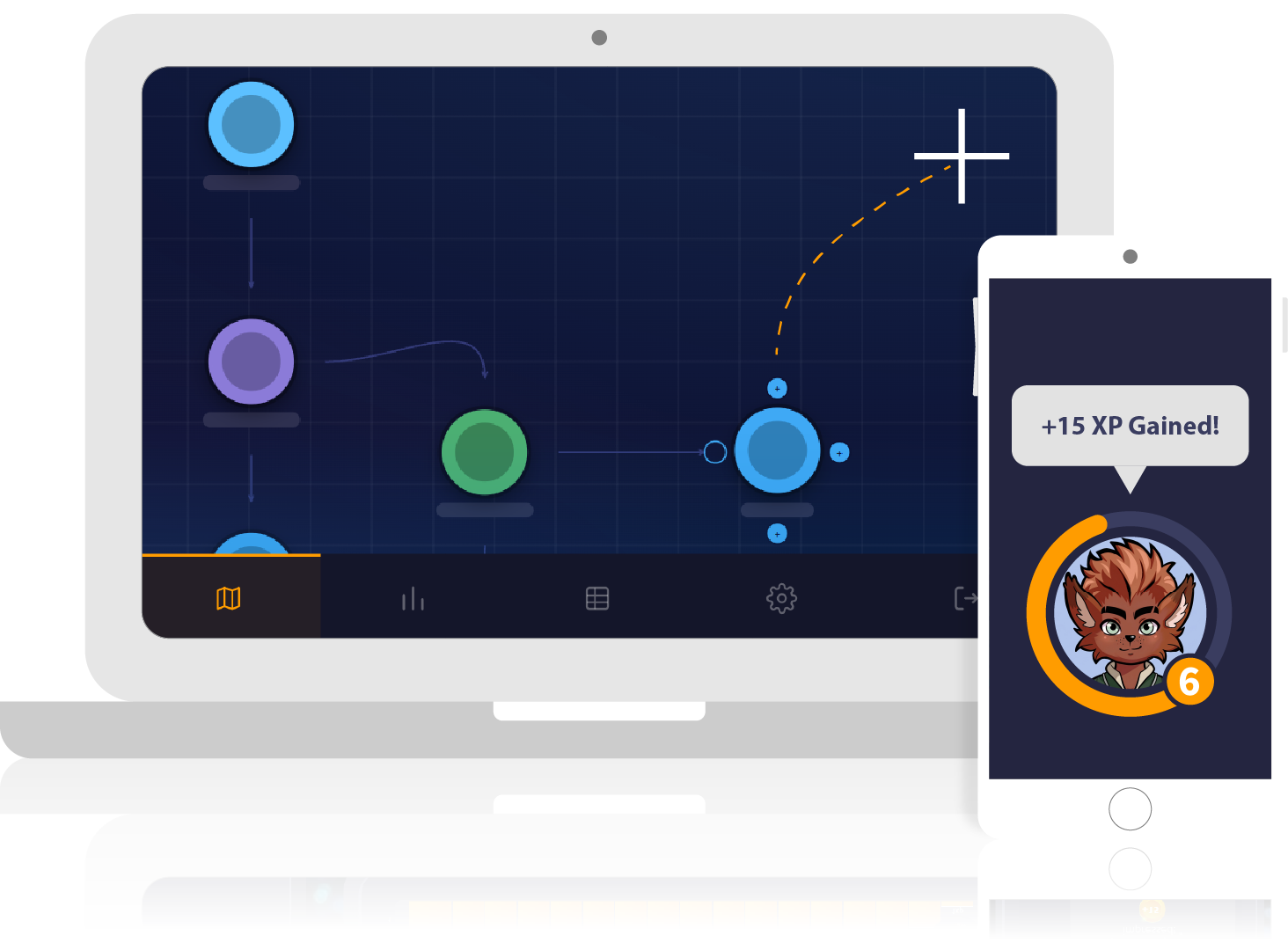
Start here
Create your account
XP Arena has two ways to get in. A full account keeps your games, avatar and progress on every device. A guest profile is a nickname inside one game, with no e-mail address or password.
- Create an account with an e-mail address and password on the Create account page.
- Confirm your e-mail address using the link we send you.
- Already have an account? Log in with your e-mail and password, or use Google sign-in from the Login page or the login window on the home page.
Joining a class game as a player is different: open the join page, enter the PIN from your gamemaster (teacher) and pick a nickname. You can upgrade a guest profile to a full account later from your account page.
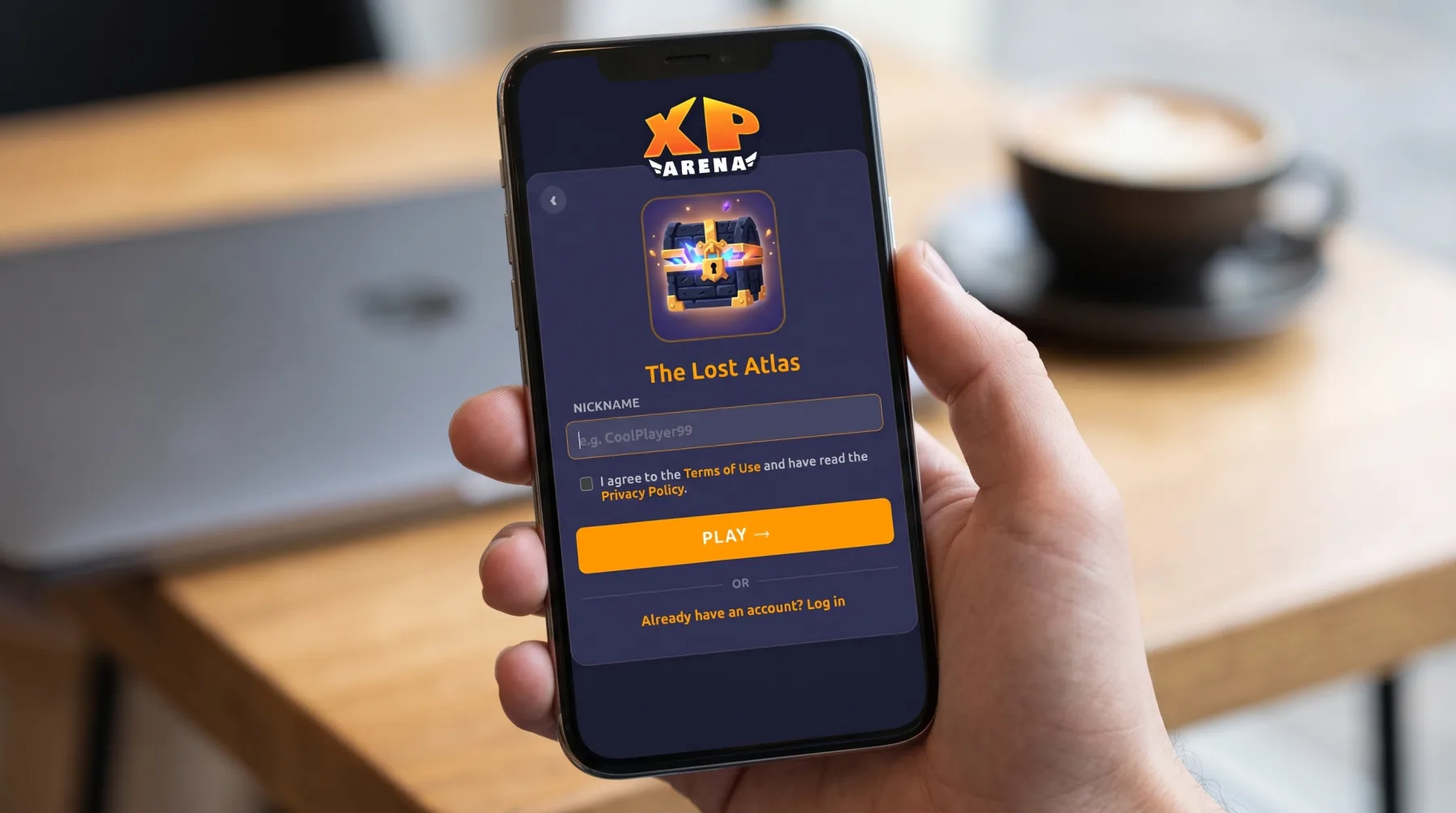
Which account do you need?
- Guest: join a class game with a PIN and a nickname, no account needed.
- XP Arena account: sign up with an e-mail address and password.
- Google account: sign in with Google; it works as a full account.
- Test player: a temporary player a gamemaster creates to test a game.
| Account | How you get in | What you can do | Keep in mind |
|---|---|---|---|
| Guest | PIN + nickname on the join page | Play, earn XP, build an avatar and see feedback | One game, tied to this device; no e-mail or password; can upgrade later |
| XP Arena account | E-mail + password | Play, keep progress on every device, create and manage games, invite players | Confirm your e-mail after signing up |
| Google account | Sign in with Google | Same as an XP Arena account | You need a Google account |
| Test player | Gamemaster uses + Test player | Try a game as a player without logging out | Temporary and invisible to other players; removed automatically |
Gamemaster is a role inside a game, not a separate account type. A full account can own a game or be added as a co-owner.