Run your game
Invite players
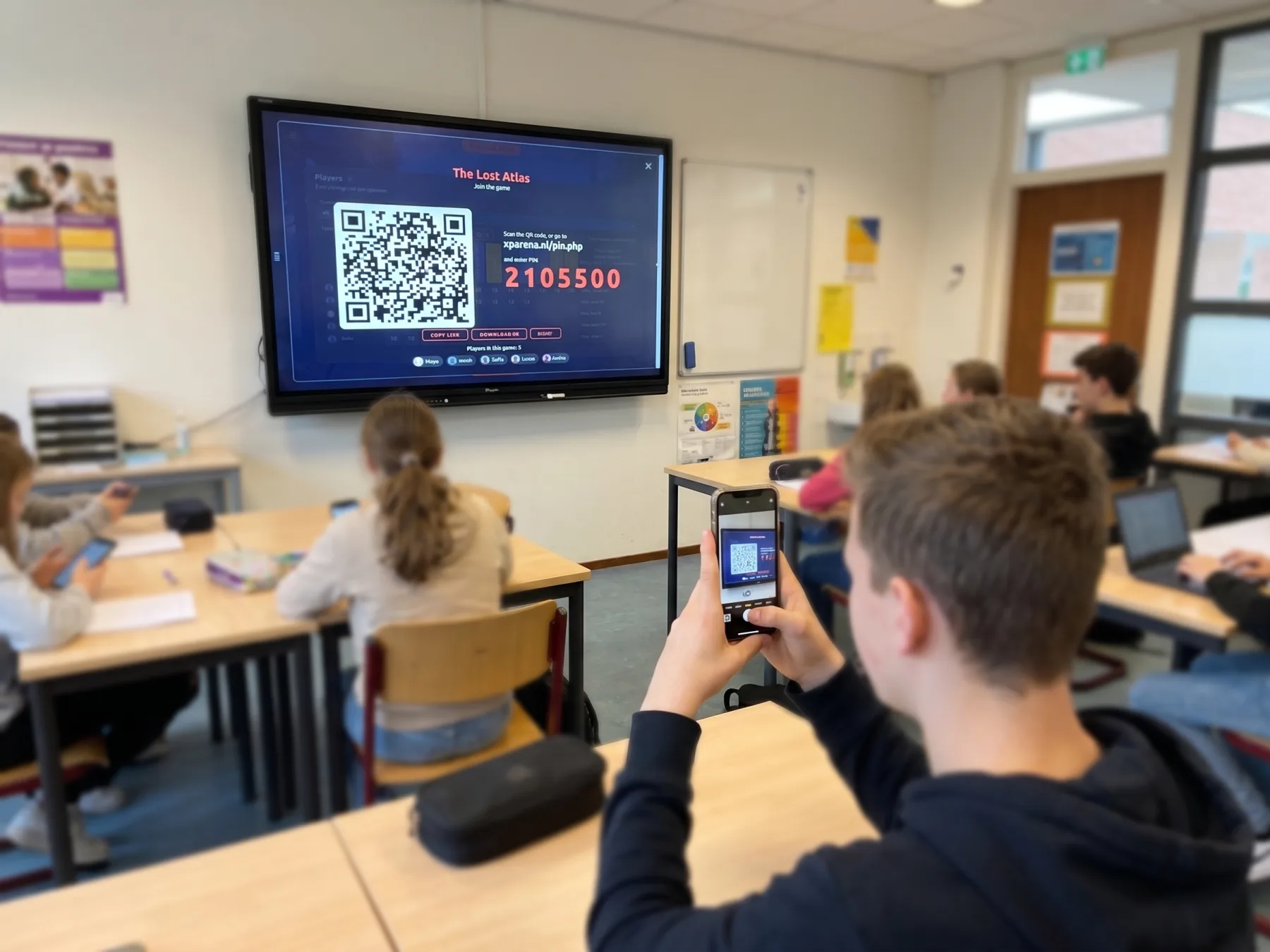
Open the game as gamemaster and use the Invite button in the bottom bar. The overlay is made for a classroom screen.
- Players scan the QR code, or open the shown link and enter the PIN.
- Each player picks a nickname. No account is needed for a guest.
- New players appear live in the overlay, so you can see who is in.
- Use Copy link, Download QR or Print to share the same PIN in another way.
- If the game is closed, use Open game now so players can join.
Use "+ Test player" on the Players page, called Table in the bottom bar, to try the game as a player without logging out. If a guest loses access, you can generate a resume link for that player.