Run your game
Players and XP
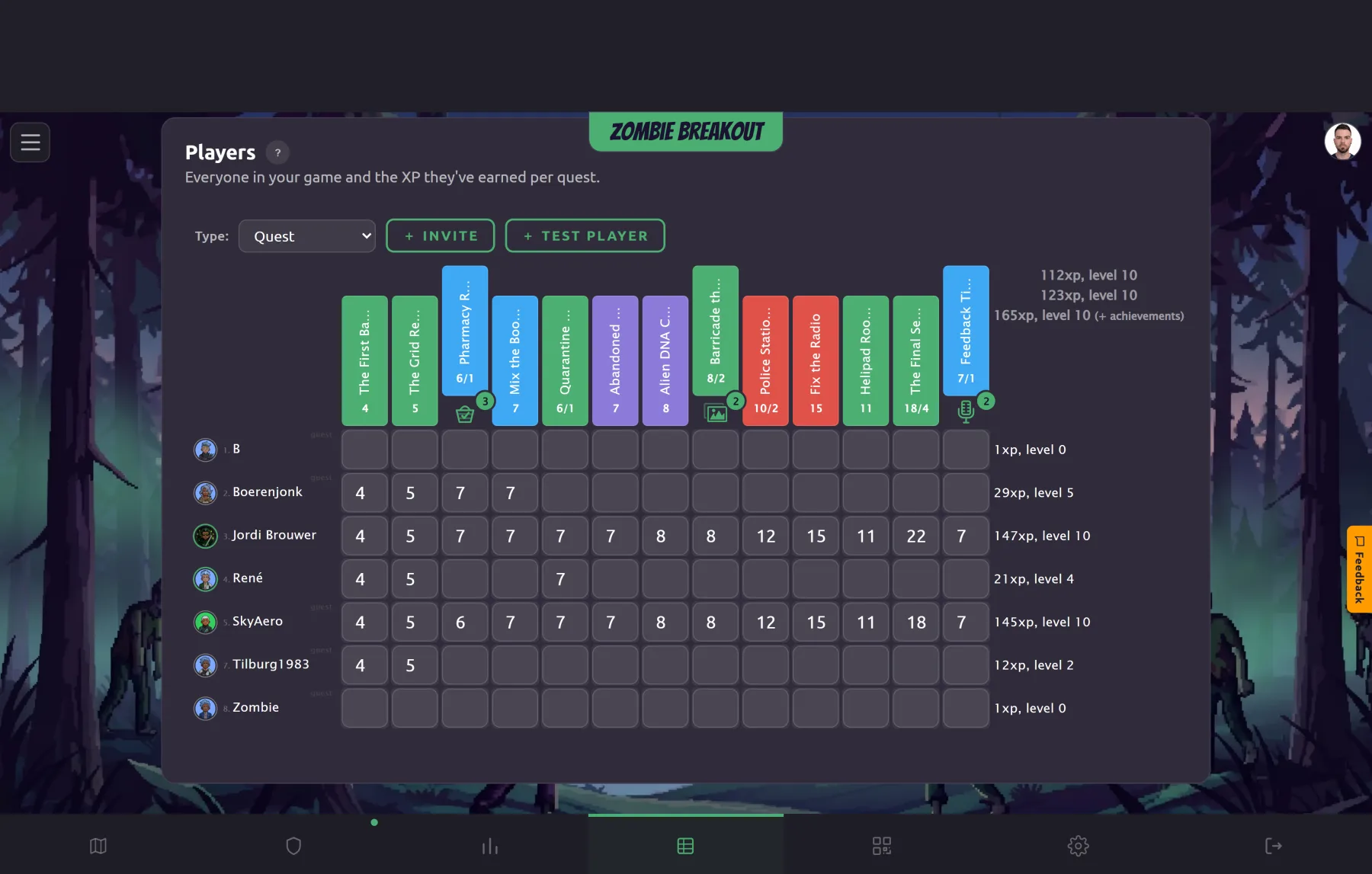
The Players page, called Table in the bottom bar, is the gamemaster's gradebook. Each row is a player, each column is a quest, and each cell holds that player's XP and feedback for that quest.
- Click a cell to give XP and write feedback. Players see the feedback on the quest.
- Tick players to assign a team or change several players at once.
- Hidden players are visible to you, but not to other players.
- Use "+ Test player" to open the game as a throwaway player without logging out.
- A highlighted cell means the player pressed "I'm done" and is waiting for review.
Players can also earn XP automatically through a minigame, a secret code or a link, depending on how the quest is set up. The table shows the result either way.