Run your game
Scoreboard and insights
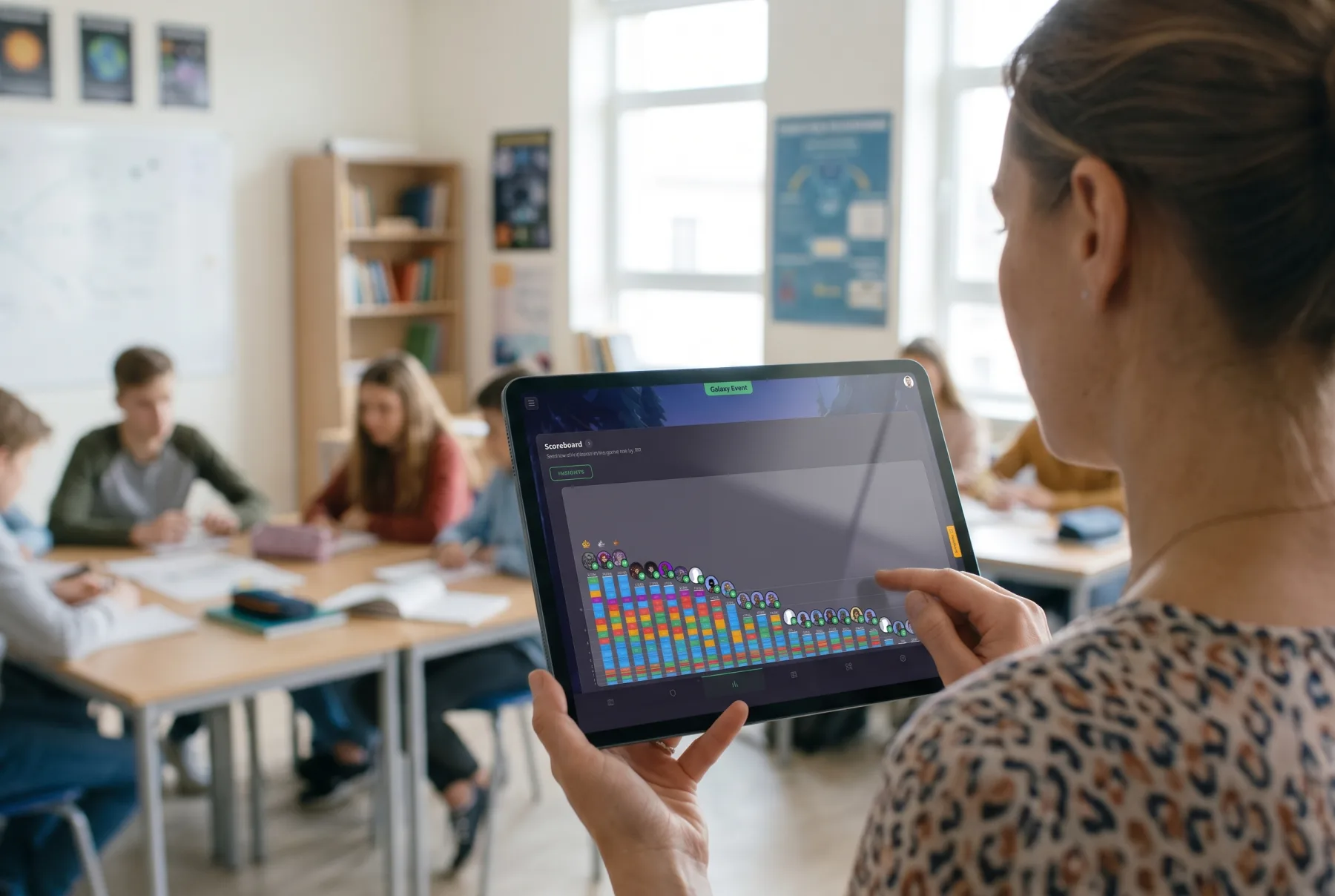
The leaderboard ranks every player in the game by total XP. Players open it with Board in the bottom bar; as a gamemaster you see it above the XP table on the Players page, where you can hide it. Each bar is built from colored blocks, one per quest: hover a block to see the quest and the XP. Click a player to open their profile with avatar, level and badges. Hidden players only appear for the gamemaster.
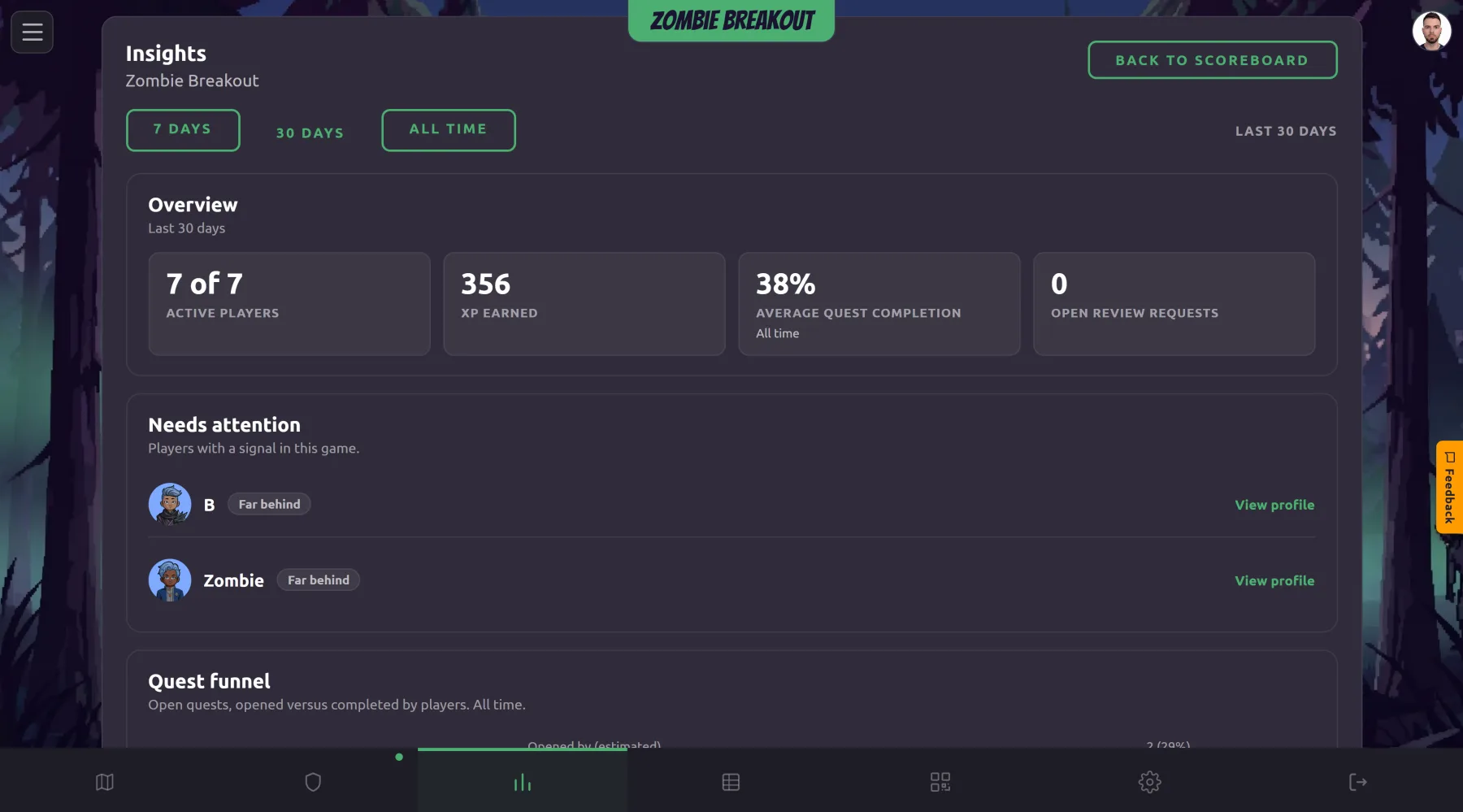
Insights opens with a short summary: the four key numbers, the players who need attention, and the five quests that need it most. Everything else sits in collapsible blocks (Minigames, Activity, What players use, Review queue), each with a one-line summary in its heading.
For quest map games Insights groups minigame attempts and results per quest; for Quickplay it groups them per minigame. You can compare scores, pass rates and time spent, and see which quests are completed most. The quest funnel shows one bar per quest for completions, with how many players opened it next to it.
What players use shows the pages players open most, with views, players and average time on one line. What players click translates each click into the action it performed and the page it happened on, for example "Submitted an upload" on Gallery or "Menu: Scoreboard". Only buttons and links are tracked, never names or typed text.
Use the scoreboard during class to celebrate progress, and insights afterwards to see where players struggled. Neither page changes XP; they only show what has already been awarded or played.